$9 one-time, plus applicable tax
Buy now: $9Sound pack · digital download (1.4 MB ZIP)
Please note. This is a digital download: after you pay on Stripe you are taken to a private download page, with no account needed. Links last 72 hours and the page can be re-opened for 30 days.
About this sound pack
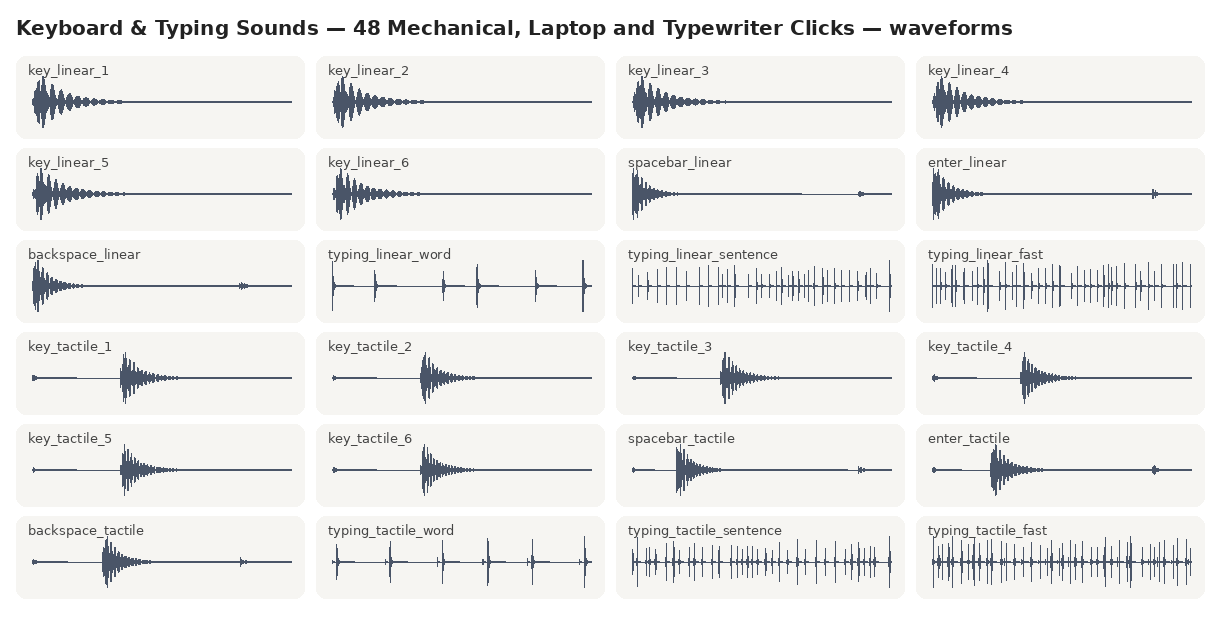
48 keyboard and typing sounds for apps, games, videos and streams. Three mechanical switch styles (linear 'thock', tactile, and clicky) each get six single-key variations so repeated presses don't sound robotic, plus a spacebar, enter and backspace with key-up, and three typing bursts: a word, a sentence that ends with enter, and fast typing. There are also low-profile laptop keys, a typewriter (key strike, typing, bell and carriage return) and mouse clicks and scroll ticks. Everything is synthesized from code, trimmed, faded and peak-normalized to one consistent level. They are designed to be in the style of these keyboards, not recordings of any specific brand or model.
- 48 sounds in WAV (44.1 kHz, 16-bit) and OGG
- Three switch styles with six variations each, for natural-sounding repeated keys
- Typing bursts (word, sentence + enter, fast), laptop keys, typewriter and mouse
- Royalty-free commercial license: unlimited projects, no attribution required
Listen before you buy
MP3 previews of sounds from the pack (the pack has full-quality WAV and OGG).
In the download
- 48 WAV files (44.1 kHz, 16-bit)
- 48 OGG files
- sound-list.json
- License.txt
$9 one-time, plus applicable tax
Buy now: $9Free guide: Keyboard and Typing Sound Effects: How to Make Them Sound Natural
Questions
How do I make typing sound natural in my app or game?
Pick one switch style and play a random one of its six key variations on each key press, at a slightly random volume (for example 70 to 100%). Use the spacebar and enter sounds for those keys. The typing bursts are for videos and cutscenes where nobody is actually typing.
Are these recordings of real keyboards?
No. They are synthesized from code in the style of mechanical, laptop and typewriter keys. They're not recordings or copies of any particular keyboard brand or switch model.
Can I use them in YouTube videos and streams?
Yes, including monetized videos and streams, with no credit required. You may not register the sounds with Content ID or similar systems.
Which format should I use?
WAV for game engines, video editors and native apps; OGG for the web and Android, where small files matter. Both contain the same sounds.
Is this a subscription?
No. One payment of $9 and the files are yours to keep.
What if it does not work for me?
Ask within 14 days of purchase for a full refund. See the refund policy.
Sold by Quietcog. Support: gb1@mail.grokbot.com. See also the terms, refund policy and privacy policy.